
AI is becoming embedded into daily work across enterprises. Most teams have experimented with ChatGPT, Copilot, or Gemini. Individuals use AI for drafting, research, analysis, and planning.
However, as usage expands, organizations begin to encounter a structural limitation. Individual productivity improves.Team coordination does not automatically follow.
This gap is driving demand for AI workspaces designed specifically for collaborative environments rather than isolated chat experiences.
If you are evaluating options, here are some of the best AI workspaces for teams in 2026.
1. WorkLLM
Best for: Teams that want shared intelligence embedded into workflows
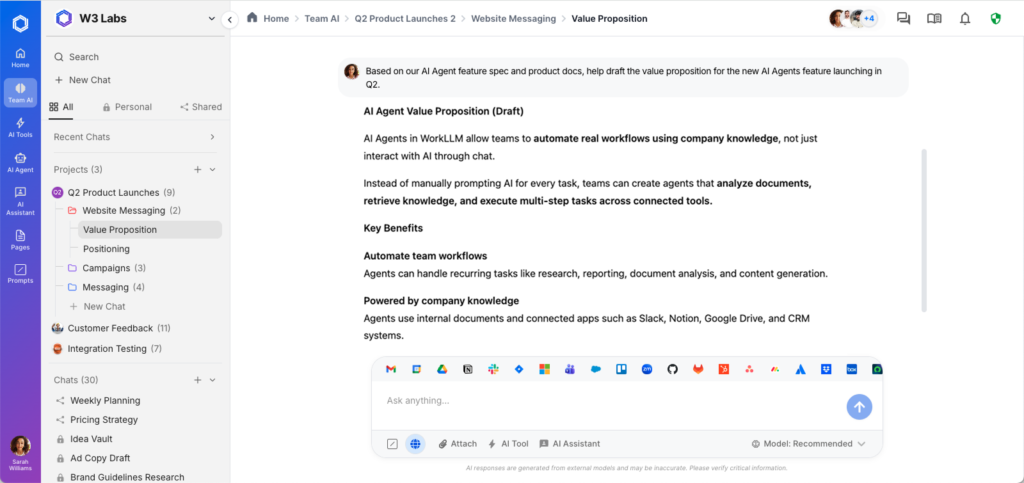
WorkLLM is built as a team-first AI workspace rather than a personal chatbot layered onto existing software.
It combines multi-model access with structured memory and collaborative environments designed for cross-functional coordination. Instead of storing insights in private conversations, WorkLLM preserves shared context across projects and teams.
Key strengths:
- Multi-LLM access in a shared environment
- Layered memory across threads, projects, and organization
- Structured collaboration instead of isolated chats
- Integration into cross-functional workflows
WorkLLM is particularly well suited for product, operations, strategy, and enterprise teams that require persistent context and coordinated execution.rations, strategy, and cross-functional teams that rely on consistent context and alignment.
2. Microsoft Copilot for Microsoft 365
Best for: Enterprises standardized on Microsoft
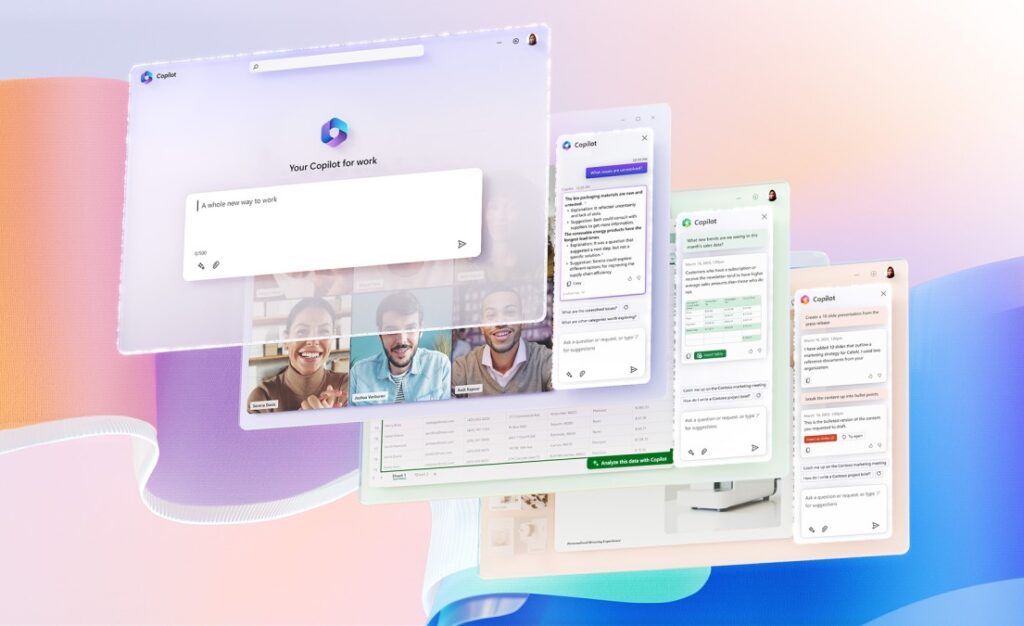
Microsoft Copilot embeds AI directly inside Word, Excel, PowerPoint, Outlook, and Teams.
It enhances productivity within existing Microsoft workflows and leverages enterprise identity, compliance, and administrative controls.
Strengths:
- Deep integration with Microsoft ecosystem
- Enterprise security and compliance
- Strong document and communication assistance
For organizations already operating inside Microsoft 365, Copilot functions as an embedded AI layer within the existing workspace environment.
3. Google Gemini for Workspace
Best for: Google-centric teams
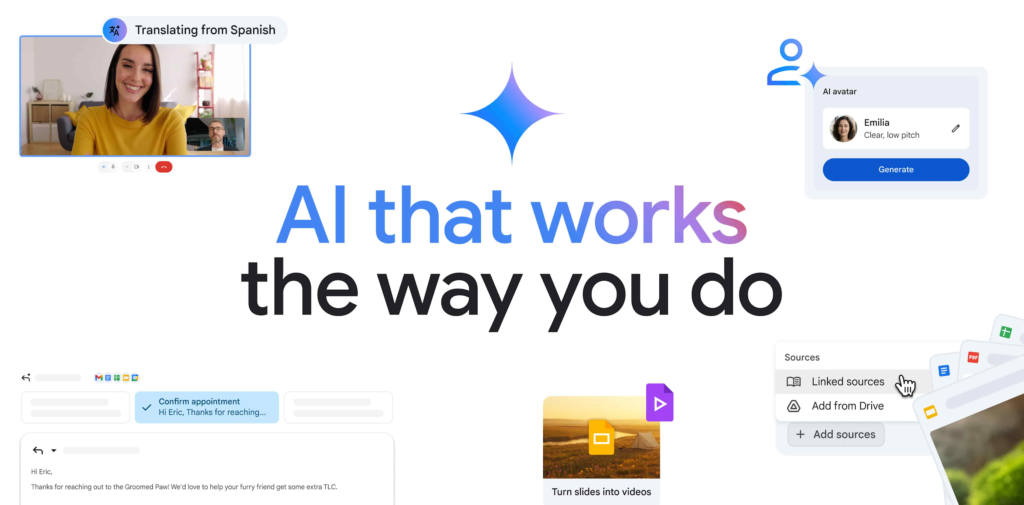
Google Gemini integrates AI across Docs, Sheets, Gmail, and Meet within Google Workspace.
It enhances collaboration and drafting directly inside Google’s productivity environment.
Strengths:
- Seamless Workspace integration
- Strong document and communication support
- Streamlined organizational rollout
Gemini works effectively for teams fully committed to Google Workspace infrastructure.
4. Slack AI
Best for: Communication-first teams
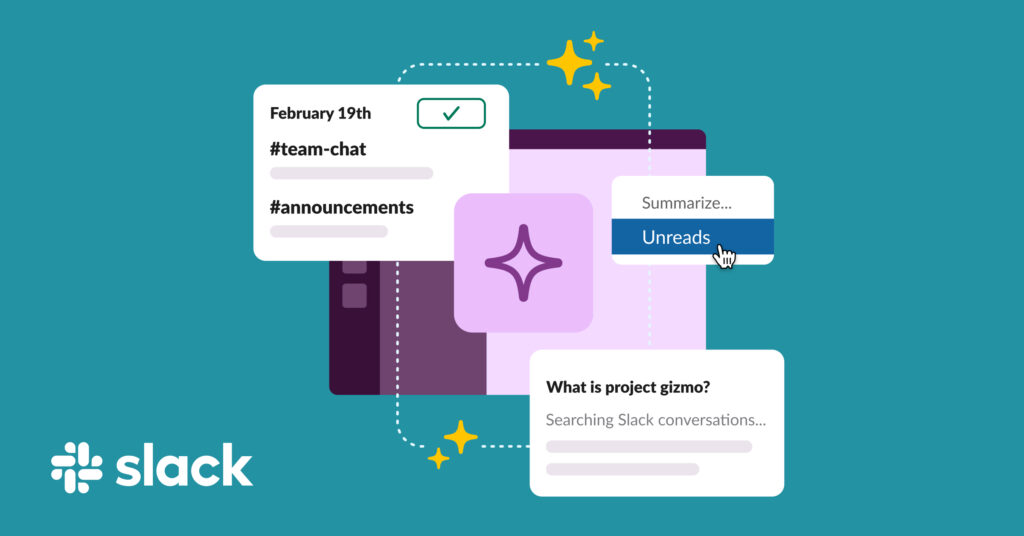
Slack has embedded AI capabilities directly inside channels and threads.
It focuses on summarizing conversations and improving information retrieval within communication flows.
Strengths:
- Channel and thread summaries
- Reduced search time
- Embedded inside existing communication workflows
Slack AI strengthens conversational intelligence inside team communications.
5. Notion AI
Best for: Documentation-driven teams
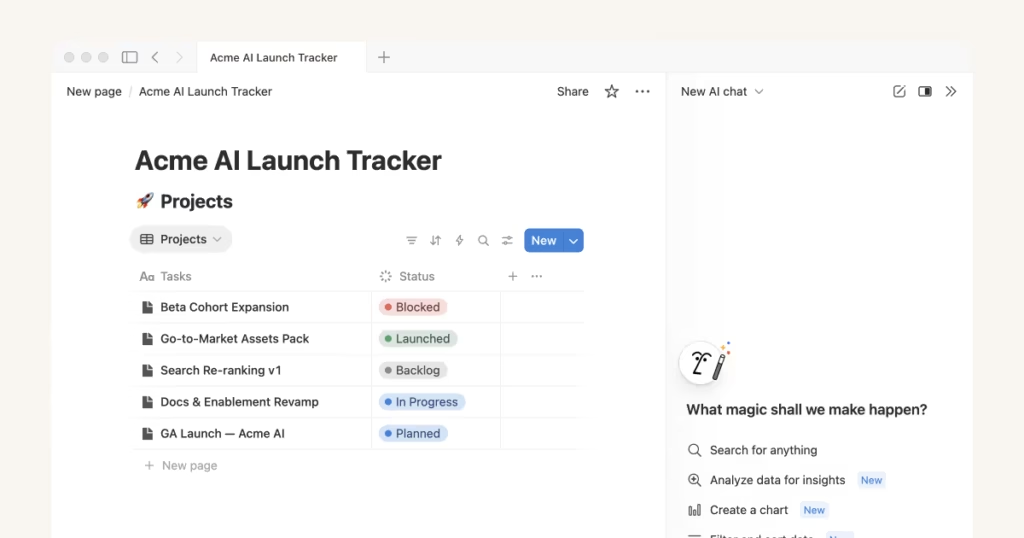
Notion integrates AI directly into documents and structured databases.
It supports writing, organizing, and maintaining centralized knowledge repositories.
Strengths:
- Strong documentation workflows
- AI-assisted writing and structuring
- Centralized knowledge base
Notion AI is particularly effective for teams where documentation and structured knowledge management are central.
What Defines a True AI Workspace?
Not every AI-enabled platform qualifies as a workspace.
A true AI workspace for teams should provide:
Shared Context
AI strengthens collective understanding rather than operating in isolated sessions.
Persistent Memory
Decisions and project knowledge carry forward over time.
Workflow Integration
AI connects to how work is coordinated and executed.
Governance and Control
Organizations can manage permissions, visibility, and compliance requirements.
Multi-Model Flexibility
Teams are not locked into a single foundation model as the AI landscape evolves.
Choosing the Right AI Workspace
Some platforms extend AI within existing productivity suites. Others enhance communication or documentation layers.
A smaller group is designed to function as a shared operational environment.
If your objective is embedding intelligence directly into how teams coordinate, preserve context, and execute across projects, workspace architecture becomes the defining factor.
WorkLLM is built around this principle. It provides a unified AI workspace with multi-model access, structured memory, and cross-functional workflow integration designed specifically for coordinated team execution.
As enterprise AI matures, the long-term advantage will not come from adding AI features to individual applications. It will come from designing the workspace where intelligence operates collectively.perational intelligence is where the market is heading.
Platforms like WorkLLM are built specifically for that transition.