
Support leaders are under pressure to do more with less: higher ticket volumes, more channels, and rising customer expectations—often with flat or shrinking headcount. Spreadsheets, basic helpdesks, and ad‑hoc macros don’t scale. At the same time, generic “AI chatbots” can create more problems than they solve when they hallucinate, miss context, or break existing workflows.
Modern AI platforms for support teams solve a different problem: they combine automation, agent assistance, and rich context so that teams can resolve more issues on first contact, keep SLAs under control, and still deliver a human experience. The best platforms don’t just bolt AI onto an inbox—they become the orchestration layer for conversations, knowledge, and workflows across email, chat, voice, and internal tools.
This guide walks through 8 best AI platforms for support teams in 2026, with a focus on:
- Where each platform fits in a modern support stack
- How they handle automation vs. human handoff
- Their strengths for different team sizes and industries
- How they compare for enterprise buyers
1. WorkLLM
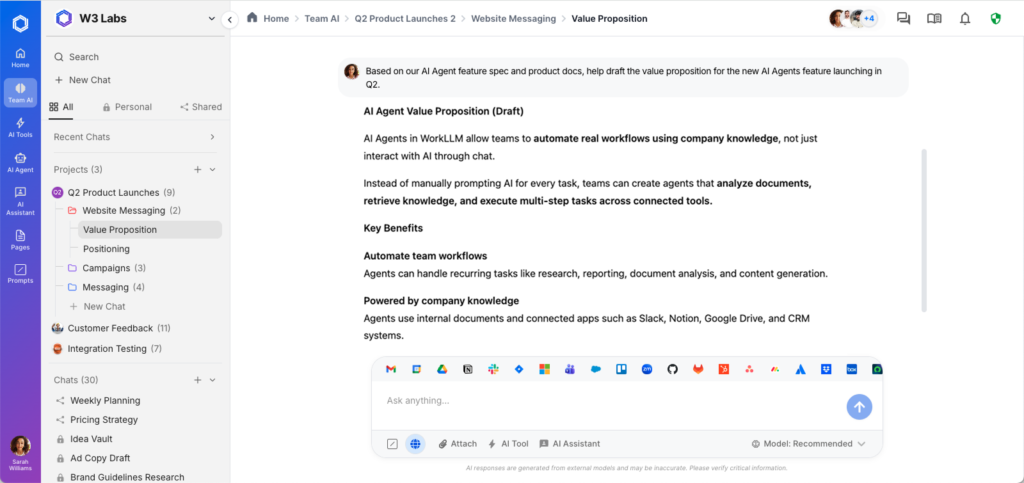
WorkLLM is a multi‑LLM workspace designed for teams that need AI to go beyond a single chatbot or one-off macro. For support organizations, it provides a shared AI layer that can read across tickets, internal docs, and product knowledge, and then power assistants and agents your team controls. Instead of locking you into one model or one support tool, WorkLLM lets you orchestrate multiple models and workflows while preserving context and governance.
Support teams can use WorkLLM to build AI assistants for tier‑1 deflection, internal “support sidekicks” for agents, or workflow agents that fetch data, summarize threads, and update systems. Because the platform is built for cross‑functional use, Support can collaborate with Product, Ops, and Engineering in the same AI environment rather than operating in a silo.
Key capabilities for support teams
- Multi‑LLM orchestration so you can pick the best model for FAQs, complex reasoning, or sensitive workflows—and change it later without rewriting everything.
- Shared memory and workspace structure, allowing AI to reason over past tickets, macros, policies, and product docs while respecting access controls.
- Configurable AI Assistants for common support tasks: drafting replies, summarizing long threads, generating follow‑ups, or turning calls/chats into structured notes.
- Process‑level AI Agents that can execute multi‑step workflows (verify identity, check order, apply policy, log CRM notes) instead of returning just text.
- Cross‑team collaboration so Support, Product, and Ops share the same AI layer for release notes, known issues, policy changes, and escalations.
- Enterprise controls around roles, auditability, and data boundaries, which are essential when AI touches customer conversations and sensitive data.
Best for:
Support organizations that want a flexible, model‑agnostic AI layer on top of their existing tools—rather than ripping and replacing their helpdesk—to power both customer‑facing automation and deep agent assistance, with tight collaboration across functions.
2. Zendesk (with AI)
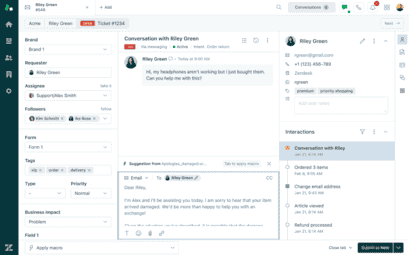
Zendesk is one of the most established helpdesk platforms and has steadily expanded its AI capabilities across ticketing, chat, and self‑service. Its AI features focus on routing, categorization, and agent assistance: understanding what a customer is asking, sending it to the right queue, and suggesting relevant responses or articles.
For teams already running Zendesk, the AI layer is a natural extension that improves speed and consistency without changing the core platform. AI agents and bots can deflect routine issues, while human agents get recommendations, summaries, and auto‑filled fields to reduce manual work.
Key features
- AI‑powered ticket routing and triage that classifies issues based on intent and context, then routes to the right group or priority level.
- AI agents and chatbots that handle FAQs and simple workflows before escalating to humans, reducing frontline volume.
- Suggested replies and knowledge surfacing directly in the agent UI, speeding up responses and improving consistency.
- AI‑powered knowledge base optimization, identifying content gaps and recommending articles to update based on ticket patterns.
- Omnichannel coverage (email, chat, social, messaging) with AI assistance across channels.5
- Reporting and analytics on deflection, handle time, and CSAT for continuous optimization.
Best for:
Mid‑to‑large organizations already on Zendesk that want embedded AI for routing, deflection, and agent assist—without introducing a separate support platform.
3. Freshdesk & Freshchat with Freddy AI (Freshworks)
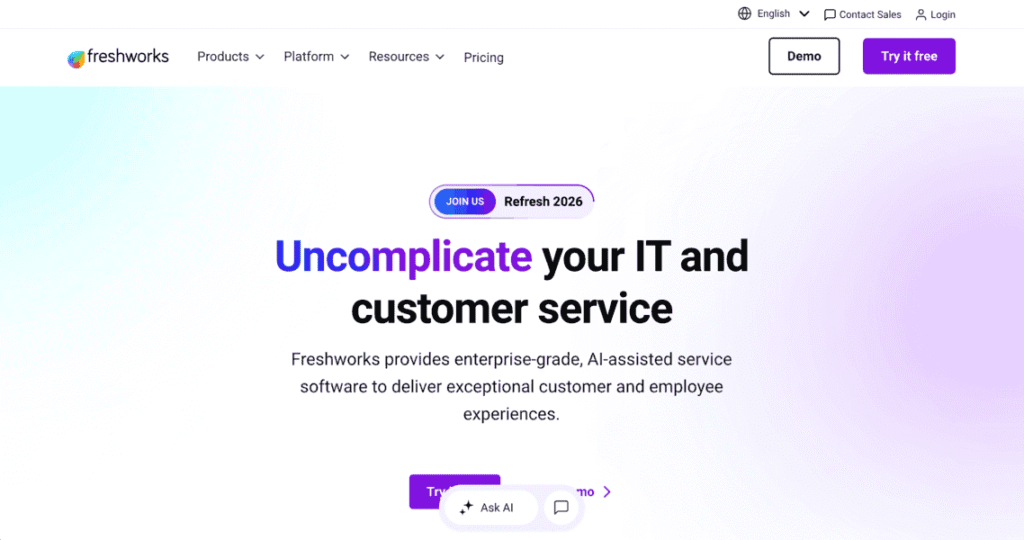
Freshworks offers a suite of support tools, with Freshdesk for ticketing and Freshchat for conversational support. Its AI layer, Freddy AI, is tightly integrated and designed to deflect a significant portion of repetitive inquiries while augmenting human agents.
Freddy uses your knowledge base and historic conversations to power both chatbots and agent assist, with an emphasis on handling tier‑1 at scale and summarizing conversations. This can significantly reduce time spent on simple questions while preserving a human experience for complex cases.
Key features
- AI chatbots and voice agents that can deflect up to 80% of repetitive inquiries by automating FAQs, order checks, and status updates.
- AI‑generated reply suggestions and summaries that help agents respond faster and focus on nuance instead of boilerplate.
- Intent detection and auto‑tagging improving routing quality and reporting accuracy over time.
- Knowledge‑aware automation, with Freddy trained directly on your help content and ticket history.
- Multi‑channel coverage across chat, email, and voice, so AI behaves consistently for customers regardless of channel.
- Native integration with the broader Freshworks suite (CRM, sales, marketing) for broader customer context.
Best for:
Growing support teams that want all‑in‑one ticketing + AI automation and are comfortable adopting Freshdesk/Freshchat as a primary support hub.
4. Front (with Front AI)
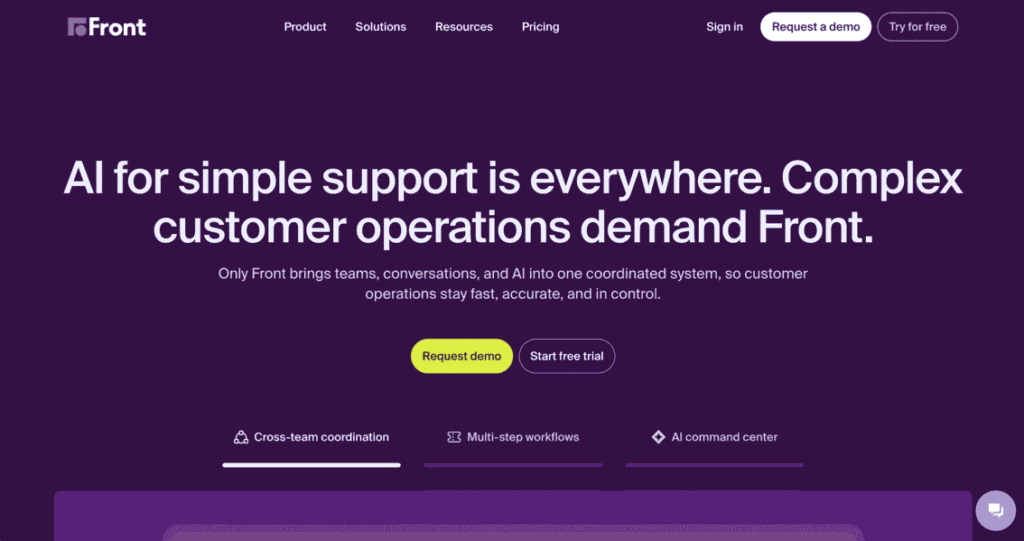
Front is a shared inbox and workspace that blends the familiarity of email with helpdesk capabilities. Its AI offering, Front AI, focuses heavily on making human support faster and more collaborative, rather than just automating away conversations.
Instead of abstract ticket IDs, agents work directly in shared inboxes with contextual information and AI features for drafting replies, summarizing long threads, and prioritizing work. This is particularly attractive for teams that value a human, relationship‑driven support model but still need to scale.
Key features
- AI‑assisted drafting to generate, rewrite, or adapt replies based on tone, policy, and conversation history.
- Thread summarization that condenses long email chains or multi‑participant conversations into actionable briefs for faster onboarding to an issue.
- Smart routing and SLAs that combine rules with AI context to ensure the right team member handles each conversation.
- Shared inboxes and internal comments that keep collaboration inside the tool, supported by AI suggestions and tagging.
- Analytics and reporting on team performance, handle times, and customer outcomes.
- Deep integrations with CRMs and other systems, enabling agents to access customer context without context‑switching.
Best for:
Teams that want fast, human‑centric support across email and messaging—with AI primarily as an accelerator for agents and collaboration, not as a pure chatbot.
5. Kustomer (AI‑Powered Help Desk)
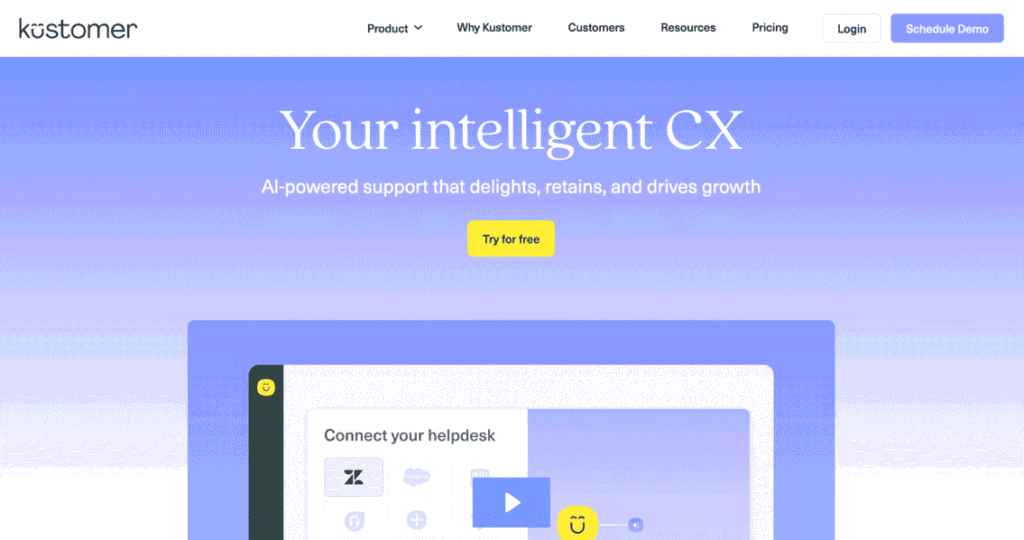
Kustomer is an AI‑driven help desk built around a customer‑centric data model rather than a ticket‑centric one. It consolidates customer conversations and data across channels into a single timeline, then applies AI to automate triage, assist agents, and even resolve issues autonomously.6
The platform is particularly strong for teams that need rich context—orders, subscriptions, past conversations—and want AI that understands the whole customer relationship, not just the current message.
Key features
- AI‑powered triage and routing that understands what customers are asking and which agent or queue should own it.
- Fin AI agent, which answers customer questions using your help content and past conversations, resolving many common issues without agent involvement.
- Unified customer timeline aggregating all interactions and key data points into a single view.
- Automation workflows for tagging, prioritization, and repetitive back‑office tasks powered by AI decisions.
- Dynamic SLAs and prioritization based on predicted impact, customer value, and sentiment.
- Scalability and omnichannel support for growing teams and complex environments.
Best for:
Support and CX teams that need a customer‑centric platform with strong AI for automation and agent assist, especially in high‑touch B2C or B2B environments where context matters.
6. Supportbench
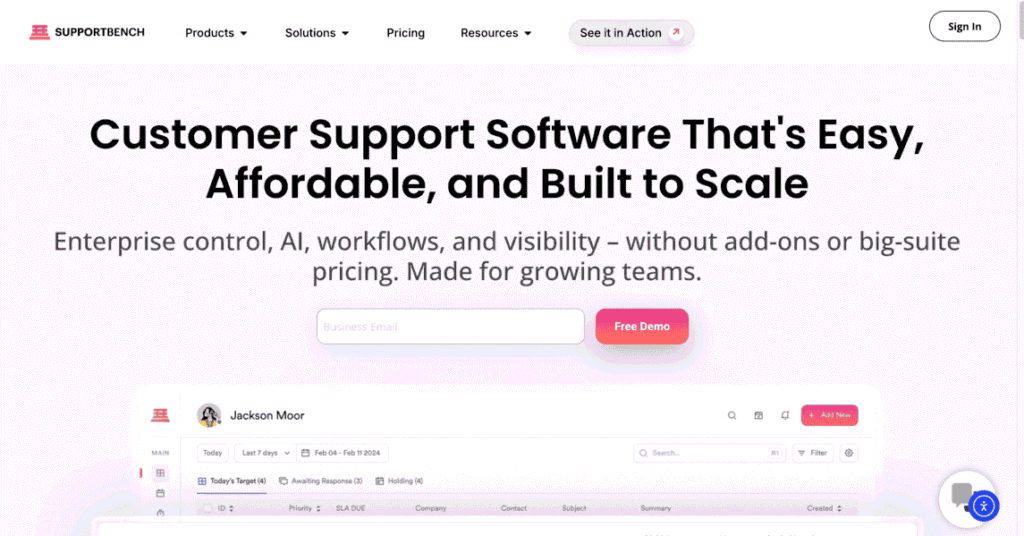
Supportbench is a modern B2B support platform with deep AI automation woven into case management, SLAs, and knowledge workflows. It’s built for teams that manage complex accounts, multi‑stakeholder conversations, and long‑running issues, rather than pure high‑volume B2C chats
Its AI capabilities focus on automating triage, generating knowledge, and predicting satisfaction outcomes so that managers can proactively intervene before metrics like CSAT or CES drop.
Key features
- AI‑driven case management, including automatic triage, tagging, and prioritization based on issue complexity and risk
- Predictive CSAT/CES scoring that estimates satisfaction likelihood and flags cases that need immediate attention.
- Dynamic SLAs that adjust based on customer segment, issue criticality, or predictive risk indicators.
- AI‑assisted knowledge creation, generating and updating articles based on recurring cases and resolutions.
- Salesforce integration for teams operating within a Salesforce‑centric ecosystem.8
- All‑features‑included pricing (from ~$32/agent/month), which simplifies budgeting for teams that want broad AI access.
Best for:
B2B support teams handling complex, relationship‑driven accounts that need AI for triage, proactive risk detection, and knowledge management rather than pure volume deflection.
7. Level AI
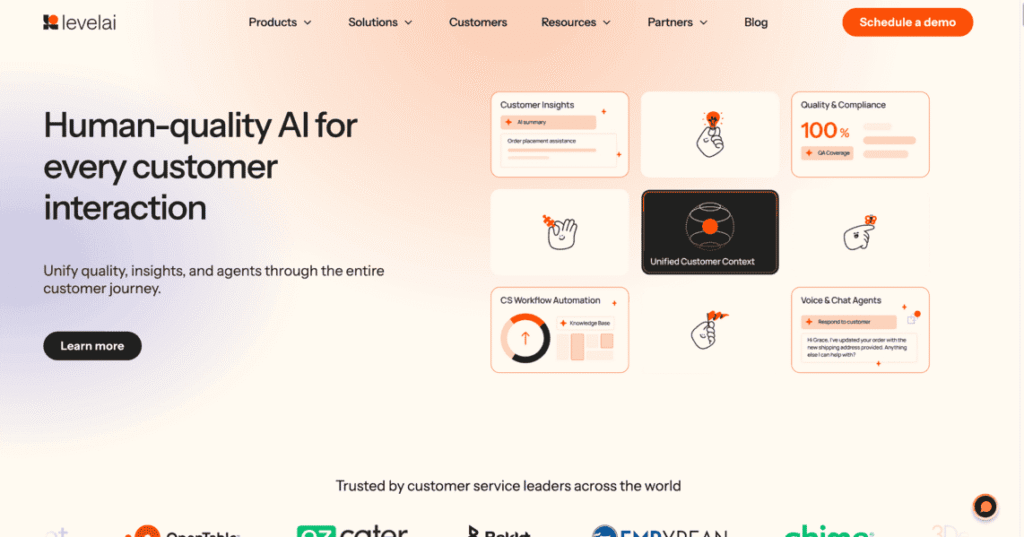
Level AI focuses on quality assurance (QA), conversation intelligence, and real‑time agent coaching for contact centers and support teams. Instead of being a core ticketing system, it layers on top of call/chat platforms to analyze interactions, flag issues, and guide agents live.
By automatically scoring calls and chats, identifying policy deviations, and surfacing coaching opportunities, Level AI helps QA teams move from manual sampling to comprehensive, AI‑driven coverage across interactions.
Key features
- Automated QA scoring of calls and chats against custom rubrics and compliance standards.4
- Real‑time agent assistance, suggesting de‑escalation phrases, next steps, or knowledge snippets during live conversations.
- Conversation analytics for themes, sentiment, and emerging issues across large volumes of interactions.
- Coaching workflows that let managers quickly review problematic interactions and assign targeted training.
- Multi‑channel coverage (voice, chat, potentially email transcripts) with unified QA logic.
- Integration with existing CCaaS and support platforms, overlaying analytics without forcing a migration.
Best for:
Contact centers and support orgs that want AI‑driven QA and coaching at scale, improving agent performance and consistency without manually auditing every interaction.
8. AI Automation Platforms (Ada, Gorgias, Zowie & Others)
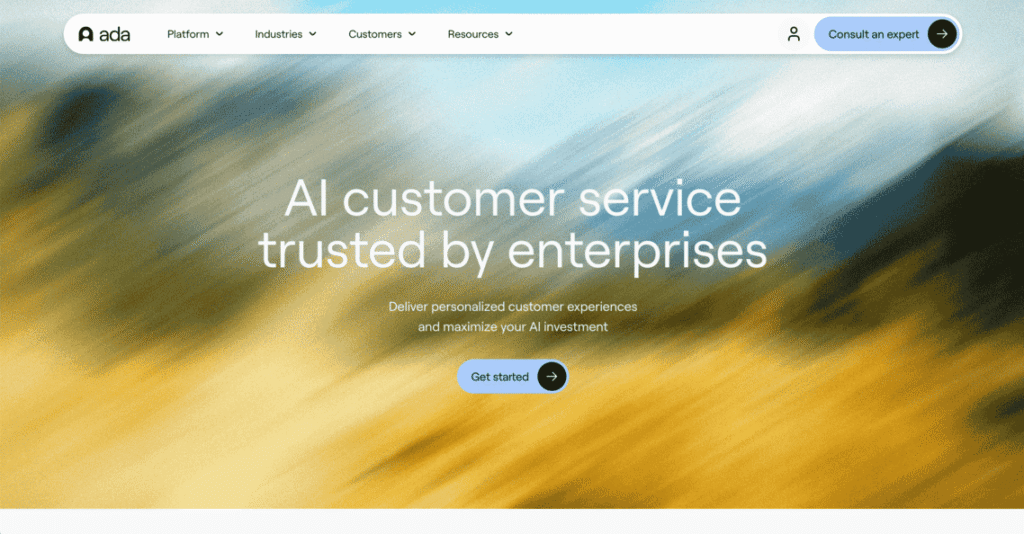
A final, important category is AI‑native automation platforms that specialize in building virtual agents capable of handling complex workflows across support channels. Examples include Ada, Gorgias, Zowie, Crescendo.ai, and others.
These platforms typically sit in front of or alongside your helpdesk and focus on high‑quality self‑service and task completion: from resetting passwords or updating orders to handling policy‑driven refunds—often without an agent ever touching the conversation.
Key features (across leading vendors)
- AI virtual agents that handle common support questions and tasks across web, chat, and messaging channels.
- Workflow and logic builders for defining multi‑step processes (e.g., verify account → fetch order → apply policy → confirm outcome).
- Knowledge‑driven responses, with bots trained on help centers, historical tickets, and product data.
- Omnichannel automation across chat, web, in‑app, email, and messaging apps like WhatsApp and Messenger.
- Escalation and handoff to human agents in your existing helpdesk, with context preserved.
- Analytics on deflection rates, containment, and bot performance to continuously improve flows.
Best for:
Teams that want high‑quality automation and virtual agents in front of an existing helpdesk, especially for high‑volume B2C or transactional use cases where many inquiries follow repeatable patterns.
Comparison Overview
| Platform / Category | Primary Role | Strength in AI for Support | Typical Fit |
|---|---|---|---|
| WorkLLM | Multi‑LLM workspace & orchestration | Cross‑tool assistants, agents, workflows | Orgs wanting flexible AI layer across tools |
| Zendesk (AI) | Helpdesk with embedded AI | Routing, deflection, agent assist | Existing Zendesk shops, mid‑large |
| Freshdesk / Freshchat + Freddy AI | Helpdesk + chat with AI | Tier‑1 deflection, agent assist, summaries | Growing teams adopting Freshworks |
| Front (Front AI) | Shared inbox + AI | Human‑centric support with AI drafting & summaries | Relationship‑driven teams on email |
| Kustomer (AI help desk) | Customer‑centric helpdesk | Automation, Fin AI agent, rich context | High‑touch B2C/B2B CX teams |
| Supportbench | B2B support platform | Case automation, predictive CSAT, dynamic SLAs | B2B / enterprise support |
| Level AI | QA & coaching layer | QA automation, real‑time agent coaching | Contact centers, QA‑heavy orgs |
| AI automation platforms (Ada, etc.) | Virtual agent & automation front‑end | Complex self‑service flows and task completion | High‑volume, automation‑first teams |
How to Choose the Right AI Platform for Your Support Team
For enterprise buyers, the question is not “Should we use AI in support?” but where AI should live in your stack and how much you’re willing to change core systems.
A practical way to evaluate:
- Start from your anchor system.
- If your helpdesk is non‑negotiable, prioritize AI that layers on top (WorkLLM, Level AI, automation platforms) or that’s native to your helpdesk (Zendesk AI, Freshdesk/Freddy, Kustomer).
- Clarify your primary goal.
- Deflection & self‑service → automation‑first platforms (Ada/Zowie/Gorgias, Freshdesk/Freddy, Zendesk AI).
- Agent productivity & collaboration → WorkLLM, Front, Zendesk/Freshdesk AI, Level AI.
- B2B complexity & account health → Supportbench, Kustomer, WorkLLM.
- Decide on tool vs. platform.
- If you want to standardize AI across Support, Ops, and Product, a multi‑LLM workspace like WorkLLM lets you centralize governance and reuse components across teams.
- If you need a point solution now, a focused helpdesk or QA tool may be faster to deploy but narrower over time.
- Evaluate governance and control.
- Enterprise buyers should look closely at data boundaries, auditability, and model control, especially when AI is reading tickets, customer PII, and internal systems.
In 2026, the most successful support teams aren’t just “adding a bot.” They’re building a layered AI strategy:
- a flexible AI workspace (like WorkLLM) as the orchestration and reasoning layer,
- a strong helpdesk or inbox as the operational backbone, and
- specialized automation or QA tools where depth is required.
That combination gives you the ability to scale automation, elevate human agents, and maintain control over how AI touches your customers and your brand.
Author Details

Product-focused founder with deep experience in AI, enterprise software, and data platforms. Passionate about turning complex workplace problems into simple, scalable products.