
GMail

By: WorkLLMManage your inbox directly from chat - summarize, search, draft, and take action without switching tabs.

Access Controls

Security

Permissions

Overview

WorkLLM connects securely to Gmail so you can work through your inbox the same way you chat. Instead of opening threads, scanning long messages, or juggling tabs, you simply ask WorkLLM to surface what matters, draft replies, summarize conversations, or prepare follow-ups. Every interaction stays inside your governed workspace, with WorkLLM respecting your Gmail permissions and inbox visibility.

Features

Natural Language Emailing

Compose, reply, and forward emails simply by describing what you want in chat

Smart Inbox Search

Find any email or thread by person, topic, date range, or keyword—without touching the Gmail UI.

Instant Email Summaries

Get concise summaries of long threads or a daily digest of key unread emails.

Context Aware Replies

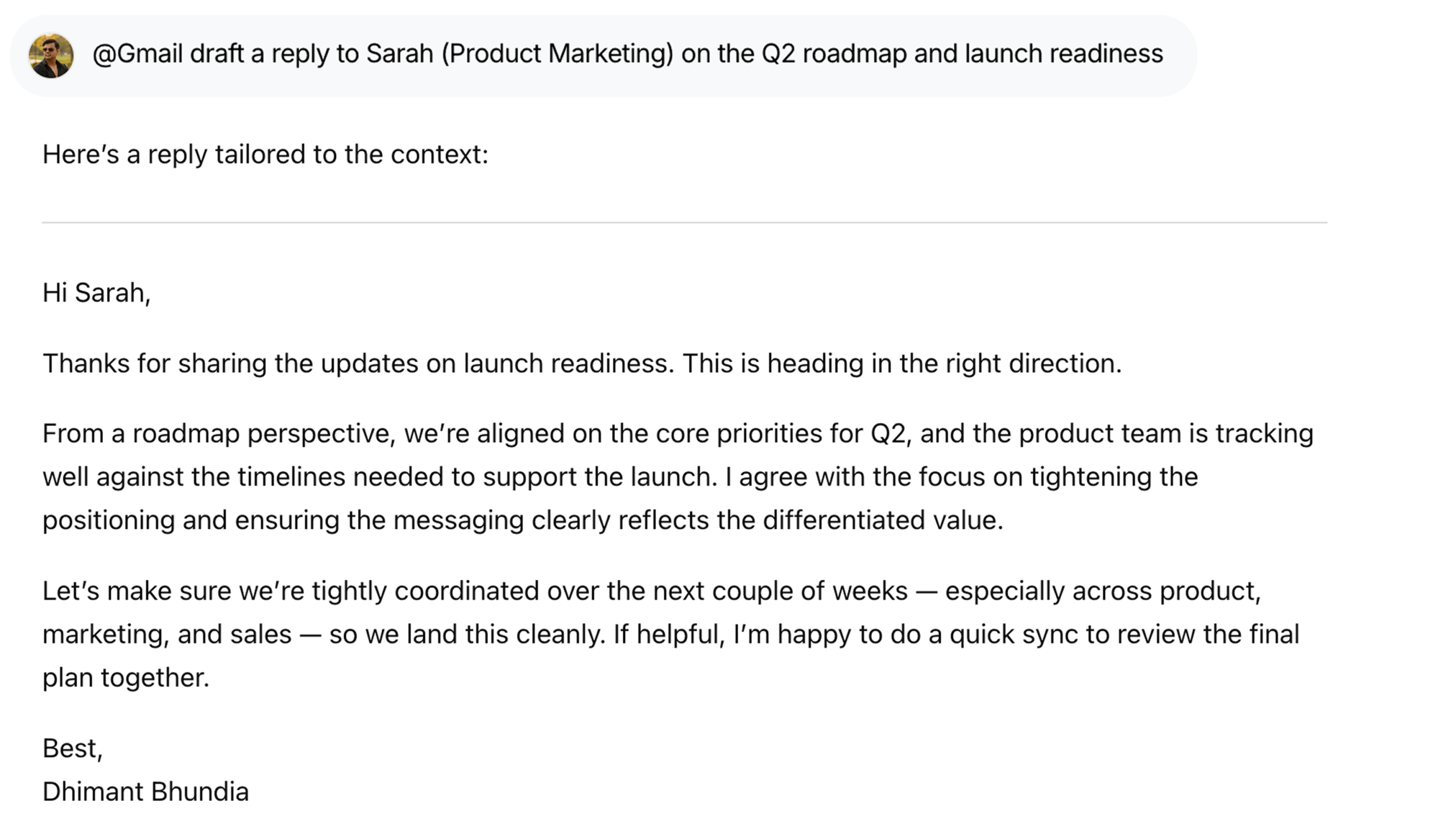
Generate tailored responses that match the thread tone, your role, and your instructions.

Inbox Organization

Archive, star, label, mark as read/unread, and clean up your inbox with quick chat commands.

Workflow Automation

Turn repetitive email tasks into reusable prompts and mini-workflows you can trigger in one line.

Use Cases with examples

Gmail - Morning summary | WorkLLM

Start Your Day with Inbox Insights

Get a clear overview using @Gmail what emails should I focus on today, highlighting urgent messages and priority replies.

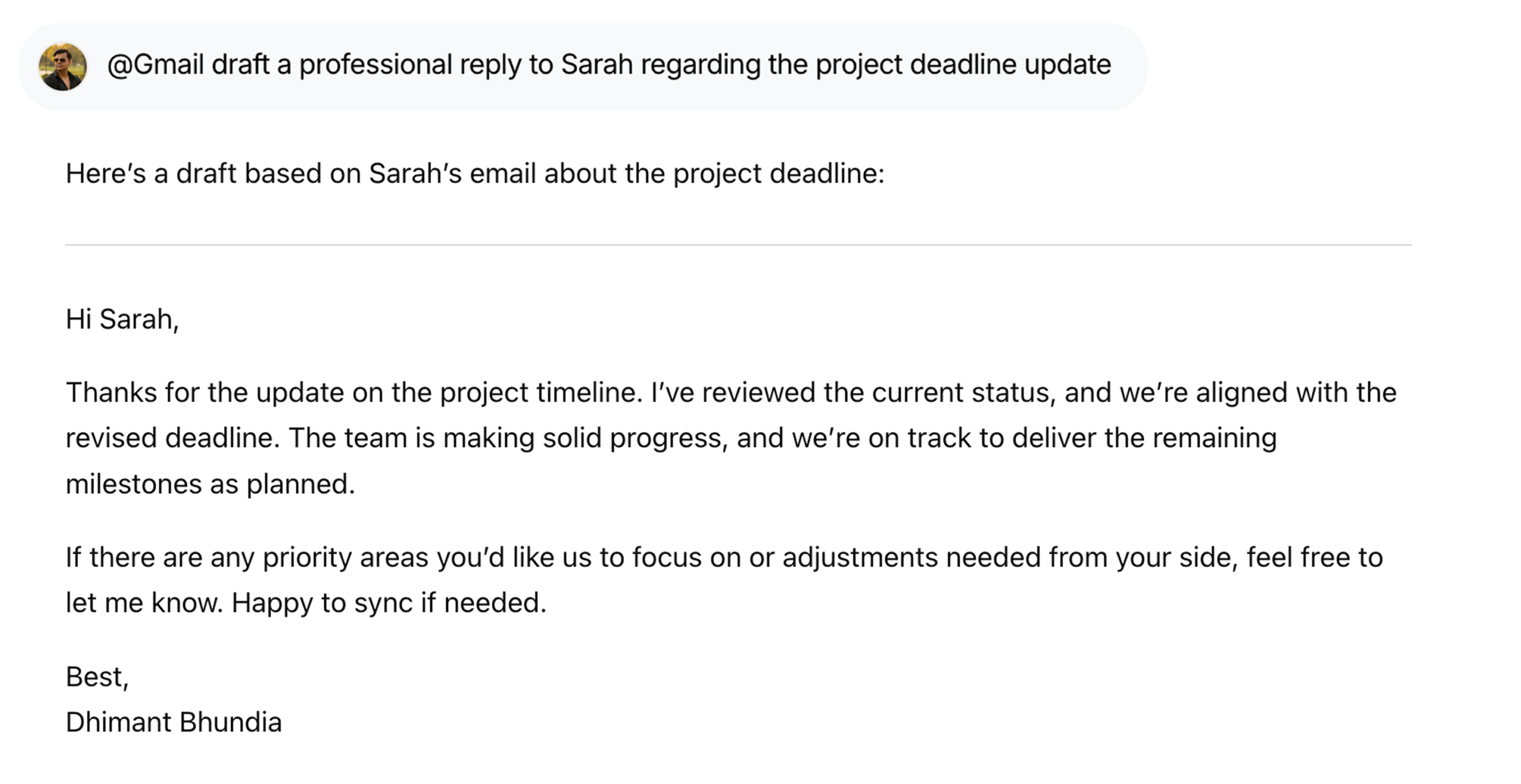
Gmail - Draft a reply | WorkLLM

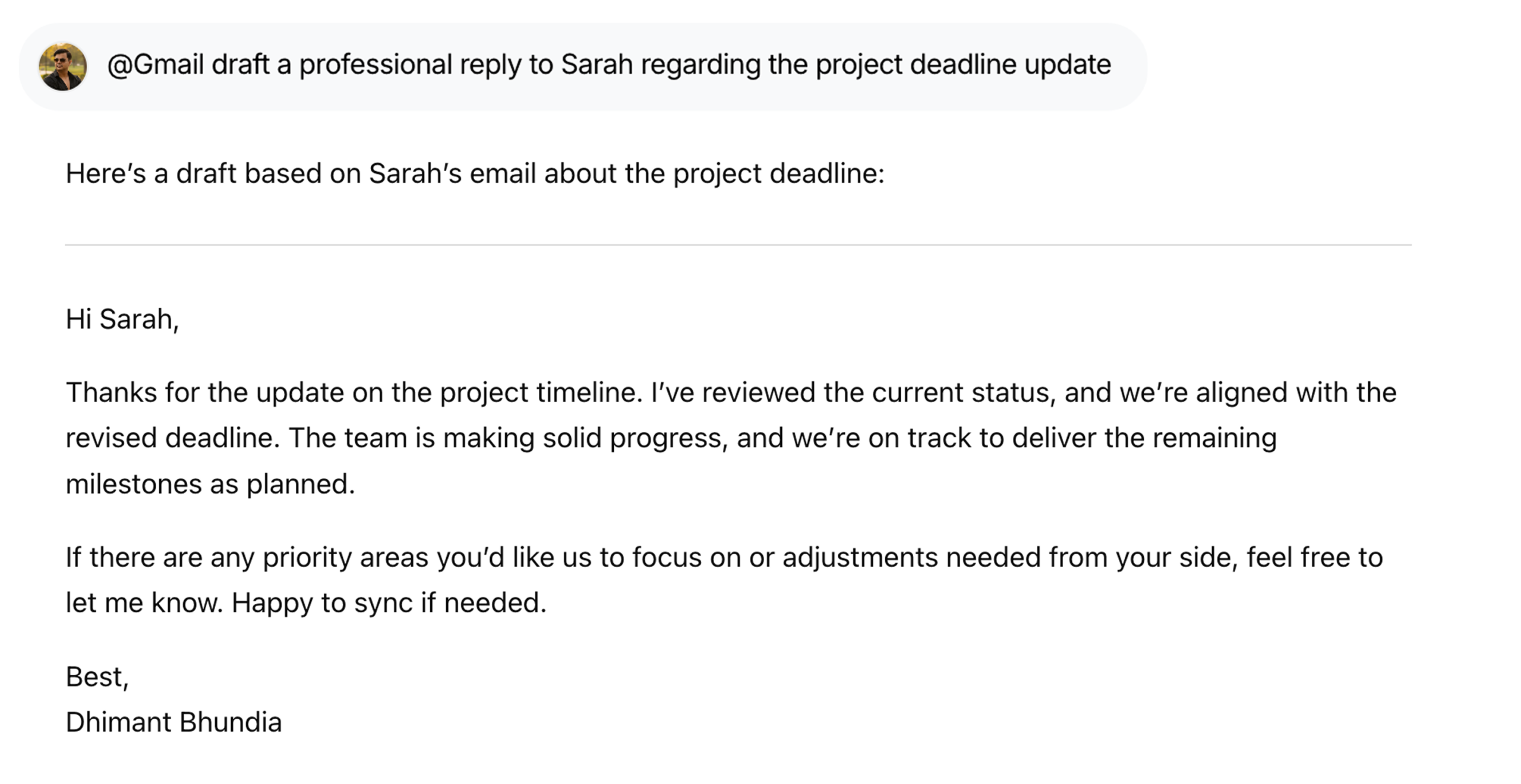
Draft Replies in Seconds

Respond faster with @Gmail draft a professional reply to Sarah’s email about the project deadline, tailored to context and tone.

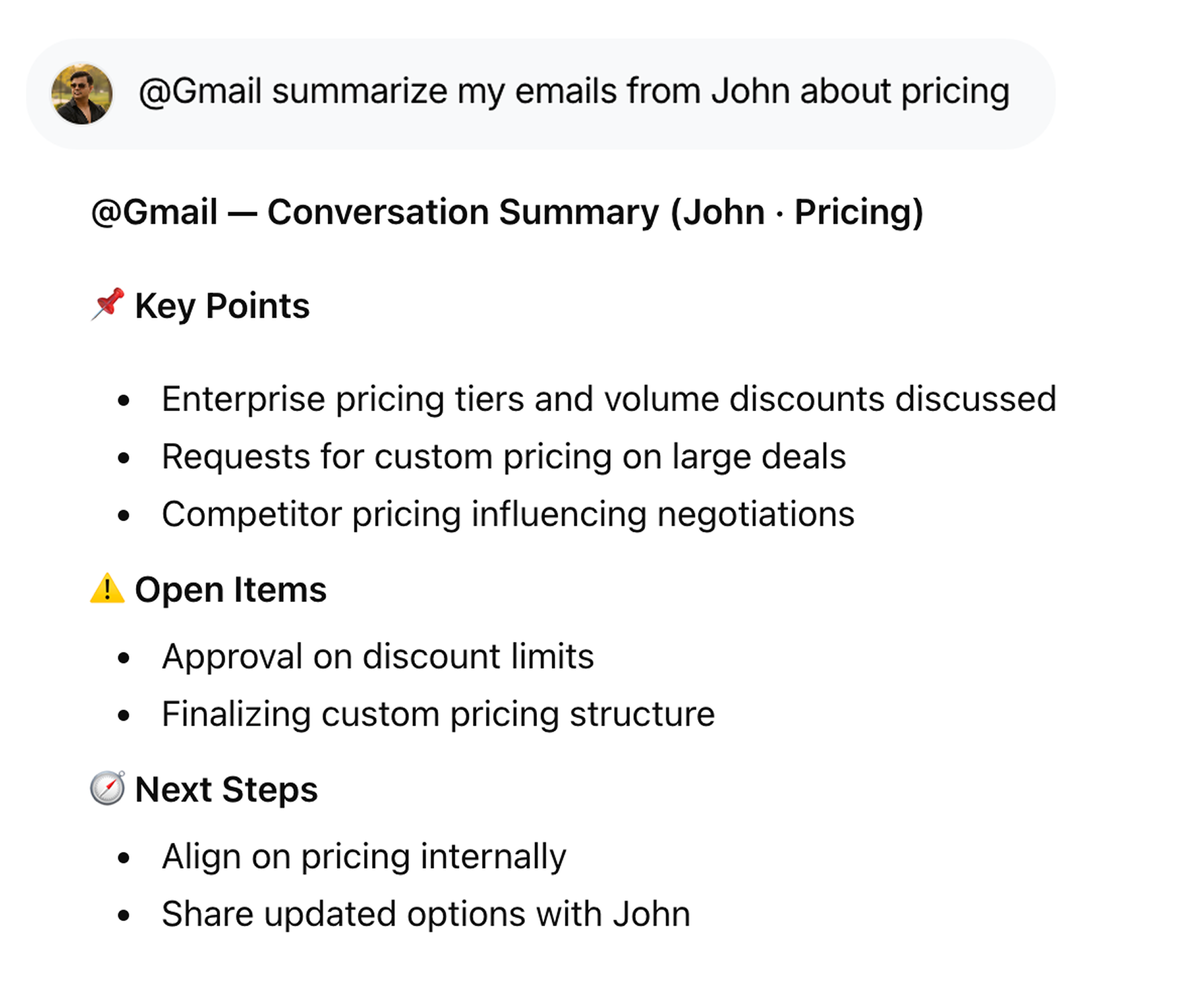
Gmail - Summarize conversations | WorkLLM

Summarize Conversations by Topic or Sender

Quickly understand threads with @Gmail summarize my emails from John about pricing, without reading every message.

Gmail - Search Emails | WorkLLM

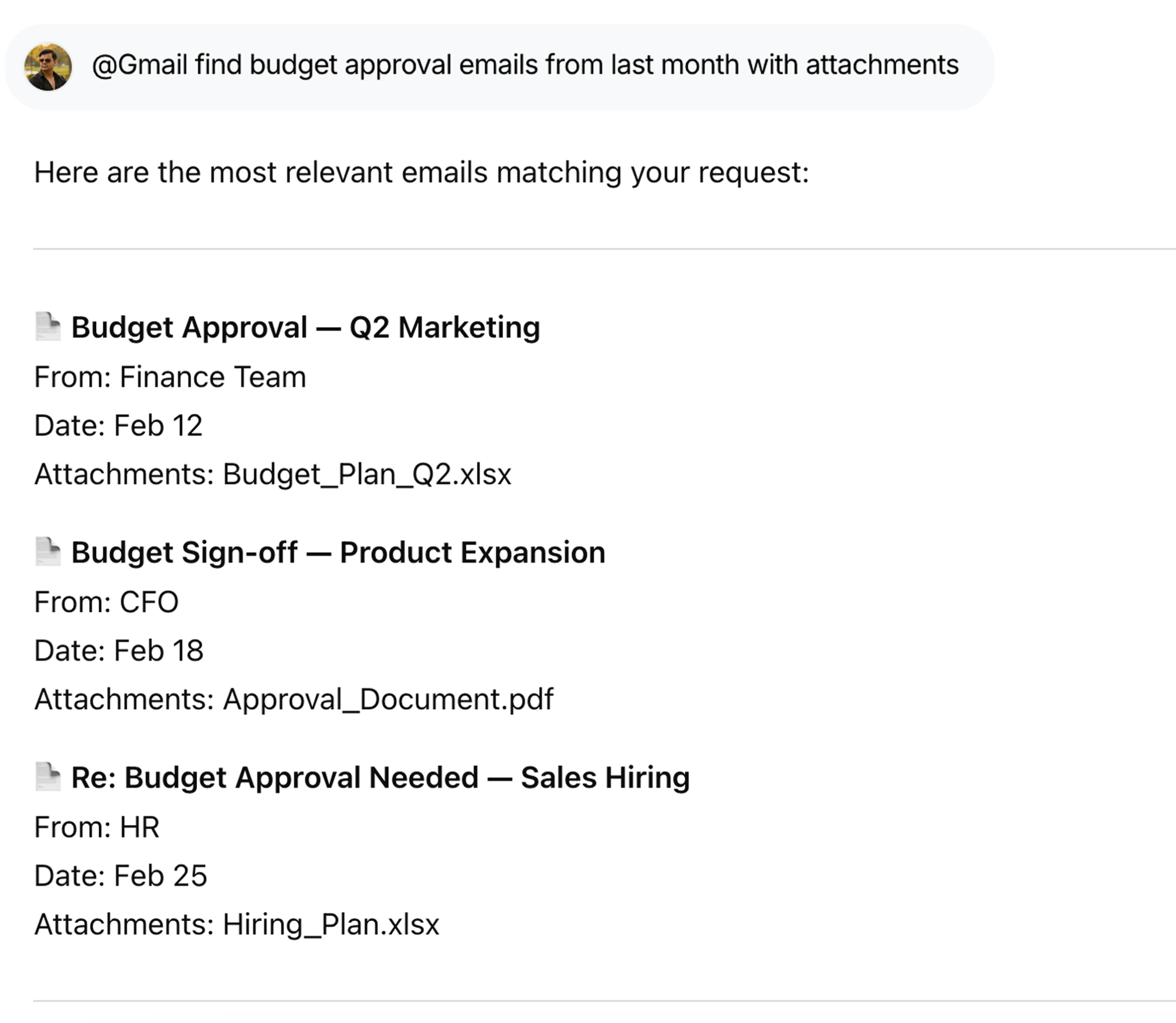
Search Emails Using Natural Language

Find exactly what you need with @Gmail find budget approval emails from last month with attachments, no filters required.

Gmail - Follow up | WorkLLM

Prepare Follow-Ups Automatically

Stay on top of communication with @Gmail prepare follow-ups for emails I haven’t replied to this week.

Gmail - Organize emails | WorkLLM

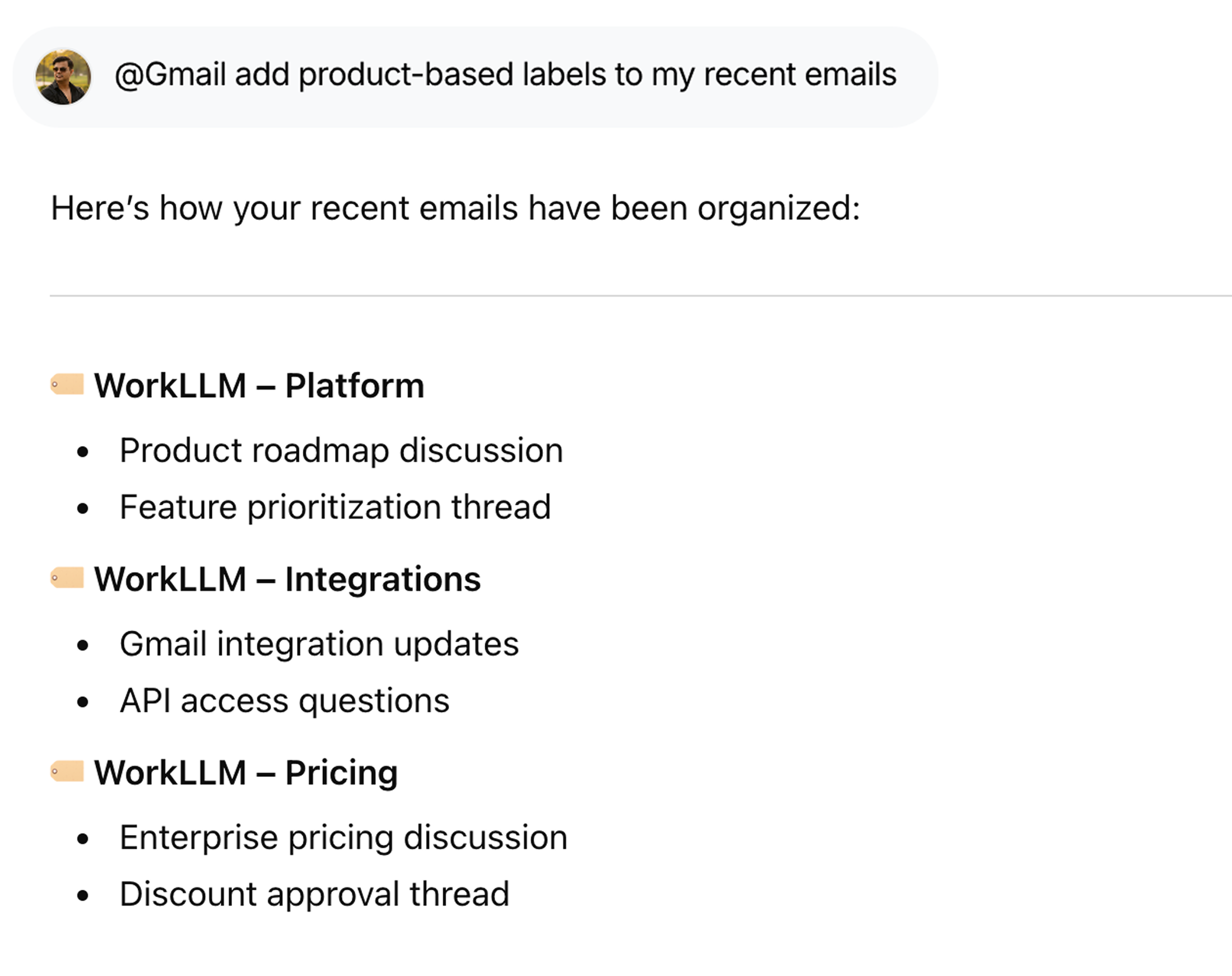
Organize Emails with Smart Labels

Keep your inbox structured using @Gmail add product-based labels to my recent emails, automatically and consistently.

FAQs

WorkLLM can read emails, search your inbox, draft and send emails, reply and forward, and manage basic organization actions (archive, mark read/unread, star, label) based on your explicit requests in chat.

No. WorkLLM only drafts replies. An email is sent only after you explicitly approve and confirm using a command like @gmail send this. You always stay in control.

No. WorkLLM does not change labels, delete emails, archive messages, or reorganize your inbox unless you explicitly request a specific action. By default, it reads content and generates summaries inside the chat.

WorkLLM can access only the emails within the Gmail account you connect and authorize. It retrieves email content only when required to fulfill your request, such as summarizing or drafting a reply.

Email content is processed to generate responses and summaries. WorkLLM does not permanently store full email bodies unless required for thread continuity within your workspace. All data handling follows your organization’s retention and security policies.

No. Gmail integrations are user-specific. Only the connected user can access and interact with their email content unless explicitly shared within a workspace thread.

Yes. You can revoke access at any time from your WorkLLM settings or directly from your Google account permissions page.

The integration uses Google’s official APIs and OAuth consent flows. Permissions requested are aligned with Google’s policies for accessing Gmail in a secure, user-consented way.

Data & Permissions

WorkLLM requests only the minimum permissions required to perform the actions you trigger:

  • Read emails and threads
  • Read metadata such as sender, subject, and timestamp
  • Create draft emails
  • Send emails only after user approval
  • Modify labels only if explicitly requested
  • Delete emails only if explicitly confirmed

How Data Is Used

When you run a Gmail command:

  • Email content is retrieved securely through Google’s OAuth authorization
  • Content is processed to generate summaries, drafts, or structured insights
  • The output is returned inside your workspace chat
  • No action is executed without explicit confirmation

Security Deep Dive

  • OAuth-based secure authentication
  • User-level access control
  • No automatic email sending
  • No inbox restructuring
  • Access can be revoked anytime

Similar Integrations

Slack

By: WorkLLM

Search conversations, summarize threads, and automate updates from Slack directly through chat.

Notion

By: WorkLLM

Access, search, and update your Notion workspace through chat — find knowledge, summarize documents, and manage pages without switching tools.

Jira

By: WorkLLM

Create, review, and manage Jira work through chat — without breaking focus.

Google Drive

By: WorkLLM

Find, summarize, compare, and work with your Google Drive files directly through chat.

Google Calendar

By: WorkLLM

Plan, schedule, and prepare for Google Calendar meetings directly through chat — without switching tabs.

Happy Customers

Customer satisfaction is our major goal. See what our customers are saying about us.