
























Conversational AI Platform built for businesses
Give everyone a shared way to ask, collaborate, and save results so value shows up in real work, not just in chat windows and when something’s worth doing again, turn it into an AI agent that runs on its own.
Multi-LLM Chat
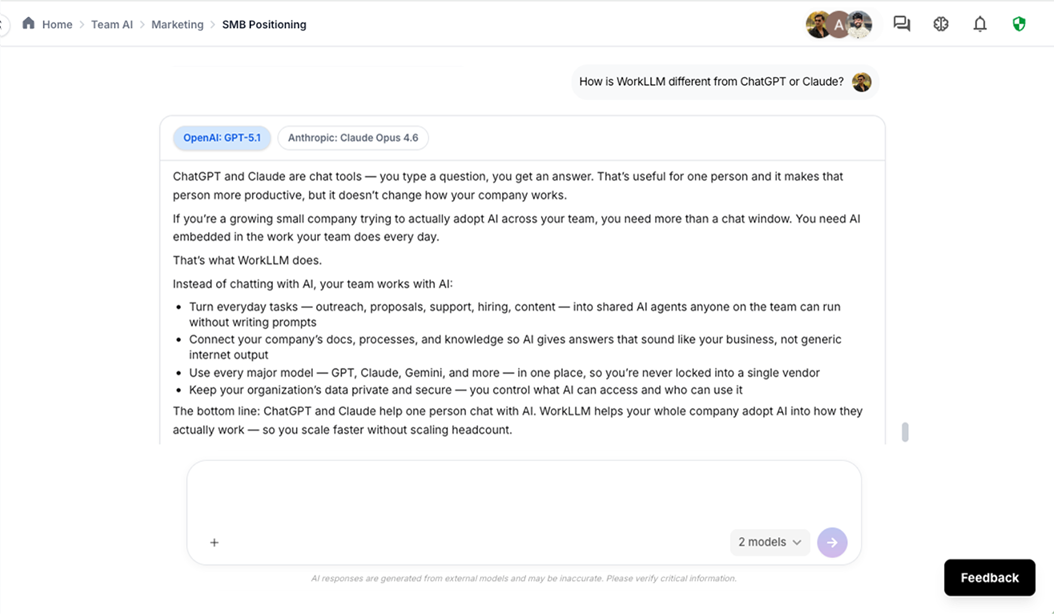
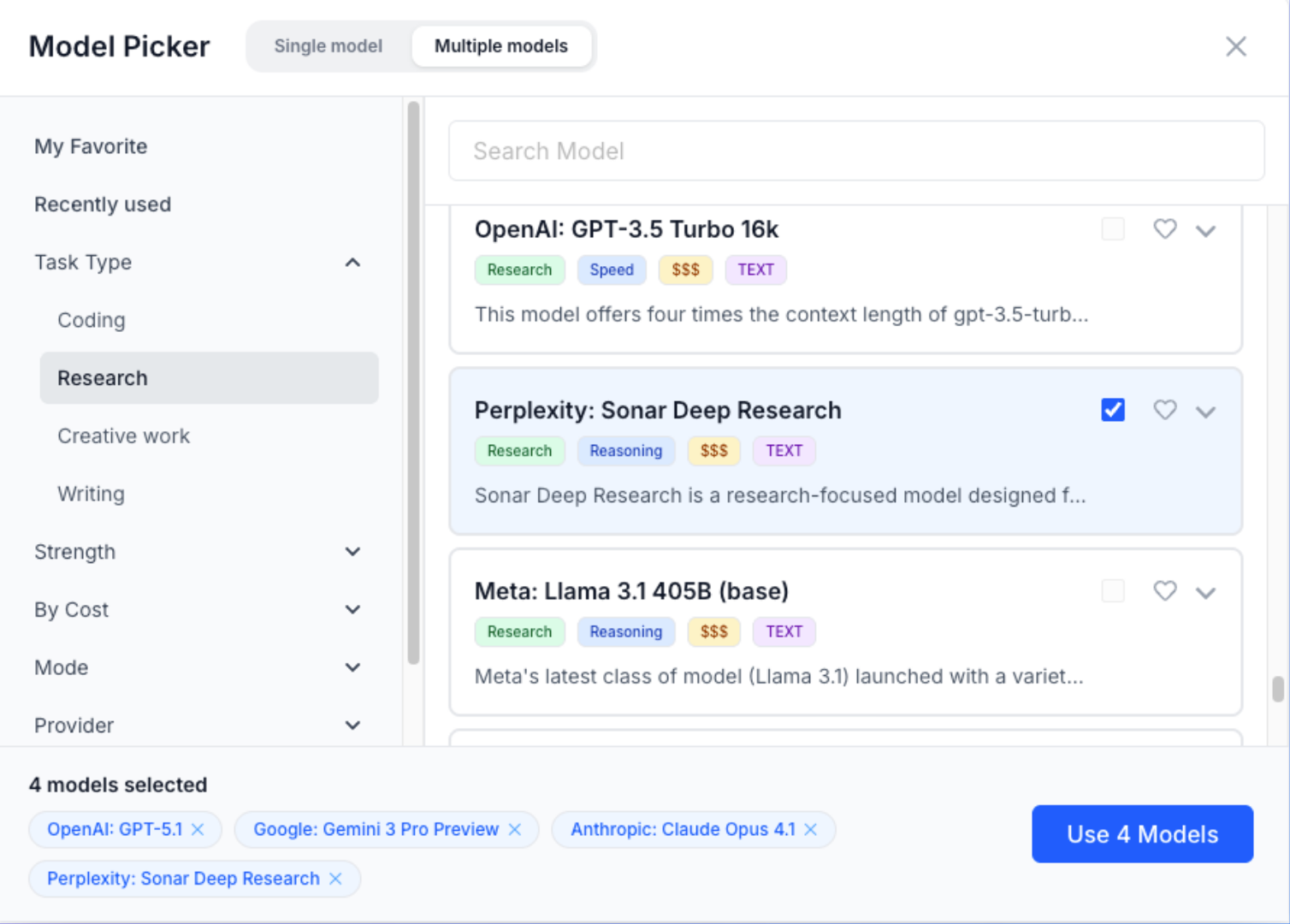
You should never have to choose between models or switch tools to get the best answer. WorkLLM conversational AI platform gives you 200+ models and lets you run them side by side so your team always works with the best one for the job.

Access 200+ Models
Run GPT, Claude, Gemini, Llama, Mistral, and 200+ others from a single chat interface. No switching tools, no separate subscriptions, no lock-in to any one provider.

Compare Models Side by Side
Select up to 4 models, send the same prompt, and see all their answers together. Pick the best one, or combine insights from multiple responses before acting on them.
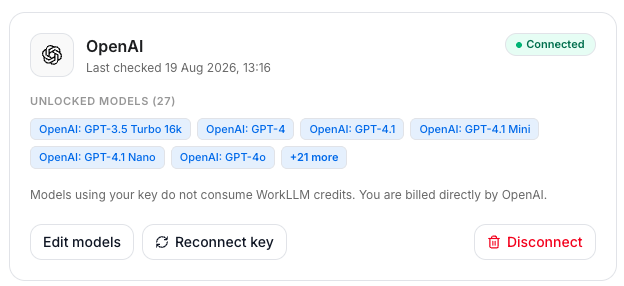
Bring your own key
Prefer to manage billing directly with the provider? Use your own API key from OpenAI, Anthropic, Google, or others instead of WorkLLM's included access.
Team AI Chat
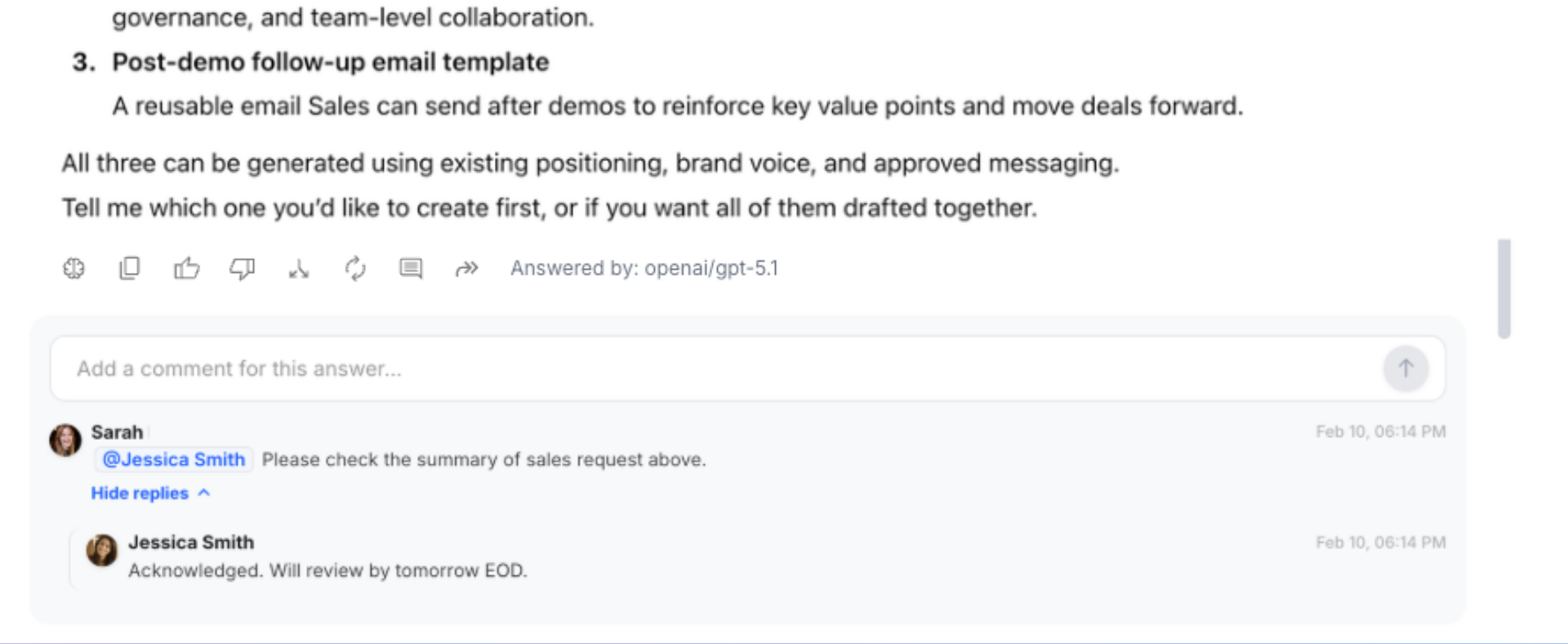
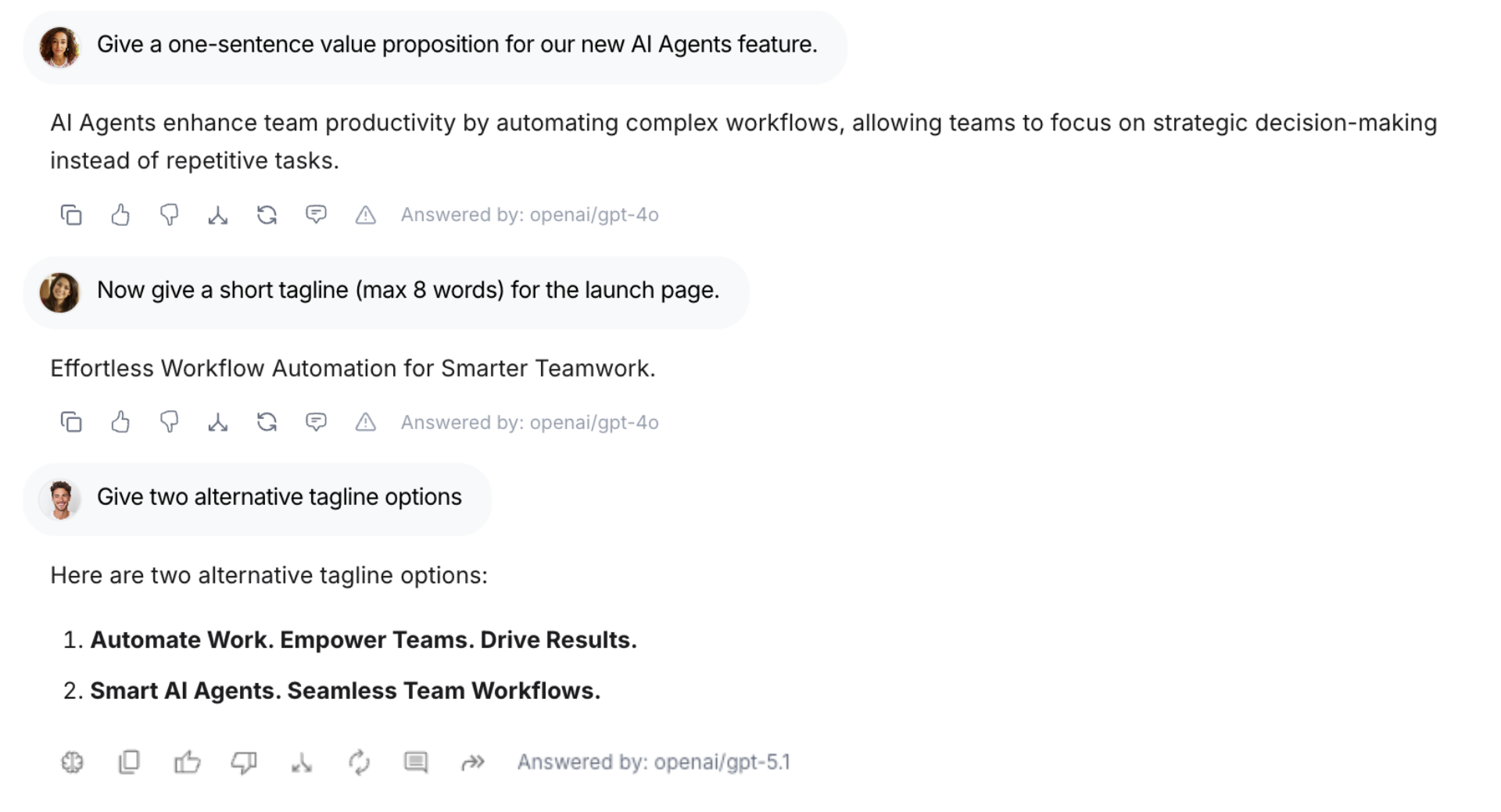
Most AI tools give everyone their own private chat. WorkLLM conversational AI platform is different. Your team shares threads, works together in real time, and builds on each other’s AI conversations instead of starting from scratch every time.
Shared threads
Comments and side chat
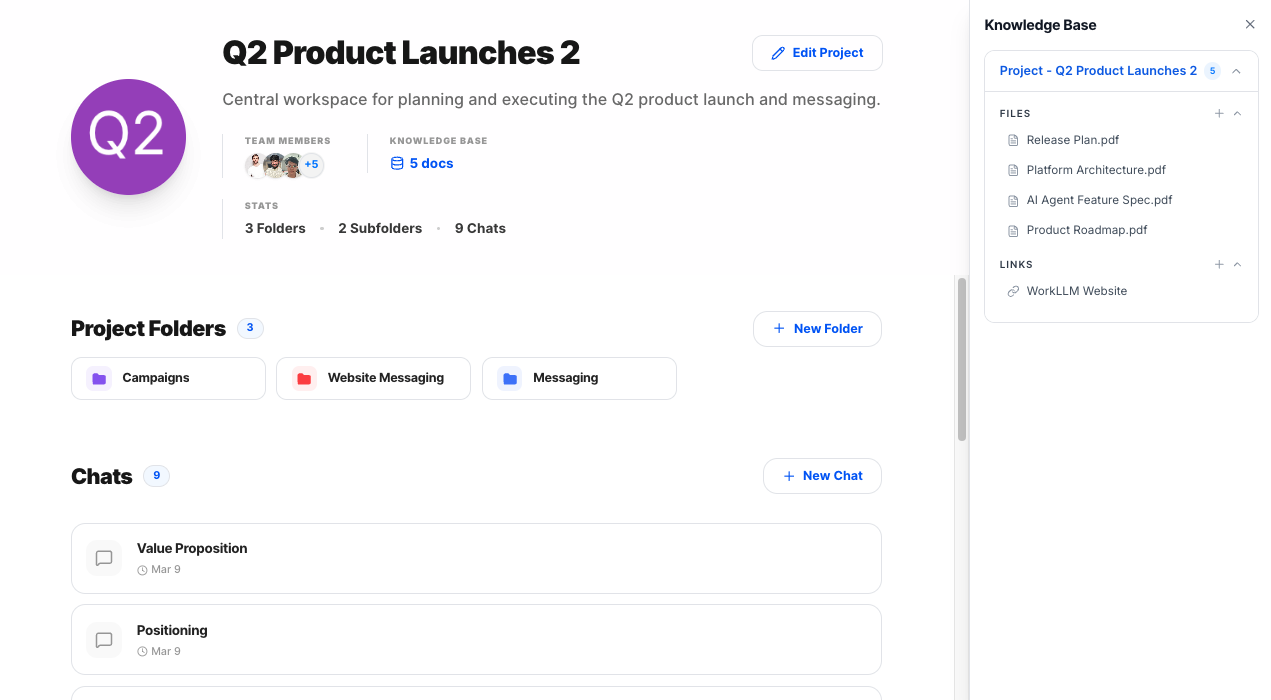
Projects & Folders
WorkLLM conversational AI platform organizes your team’s AI work into projects, each with parent and child folders inside. Every thread, file, and piece of memory sits in the right place from the start, so your team can always find past work and build on it instead of starting over.
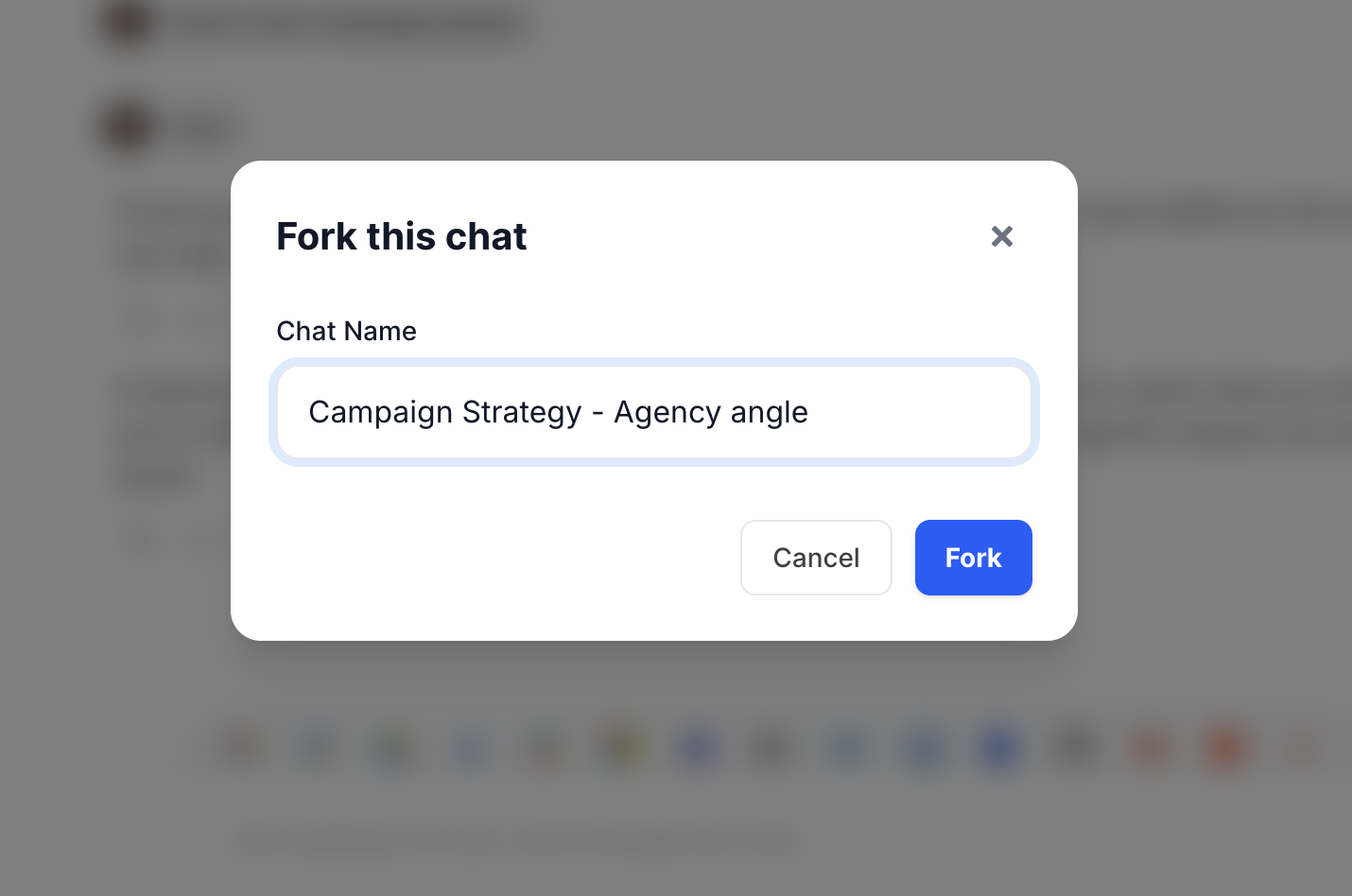
Fork a Conversation
Take any thread in a new direction without losing the original. Fork a conversation and explore a different angle, a different model, or a different prompt, while keeping the original thread intact for the rest of the team.
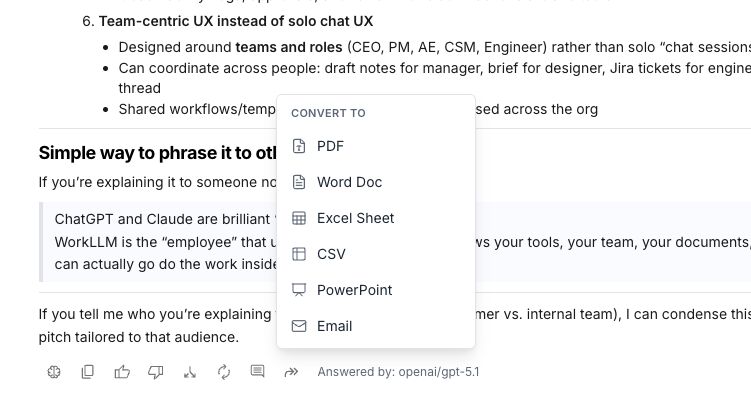
Create documents and files
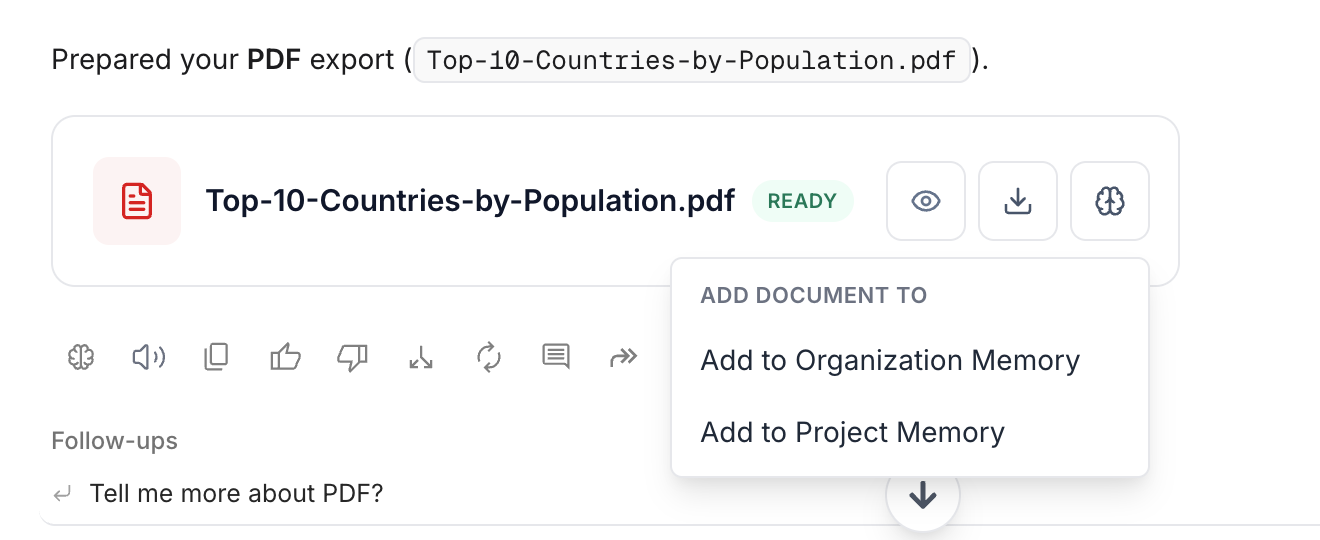
Generate a PDF, Google Doc, spreadsheet, or presentation directly from your chat, one message or the whole thread. One click and it’s formatted, ready to share, and saved to your project.
Save straight to memory
Turn any message into memory with one click, saved to the thread, the project, or organization memory, so it’s available the next time you or an AI agent needs it.
Chat with anything in conversational AI platform
WorkLLM chat is not just a text box. Bring in your documents, your work apps, images, video, and audio, and your AI always has the full picture before it responds. Anything you’d normally do this way more than once is a good candidate for an AI agent, so it runs automatically next time instead of starting a new chat.
Web Search & Deep Research
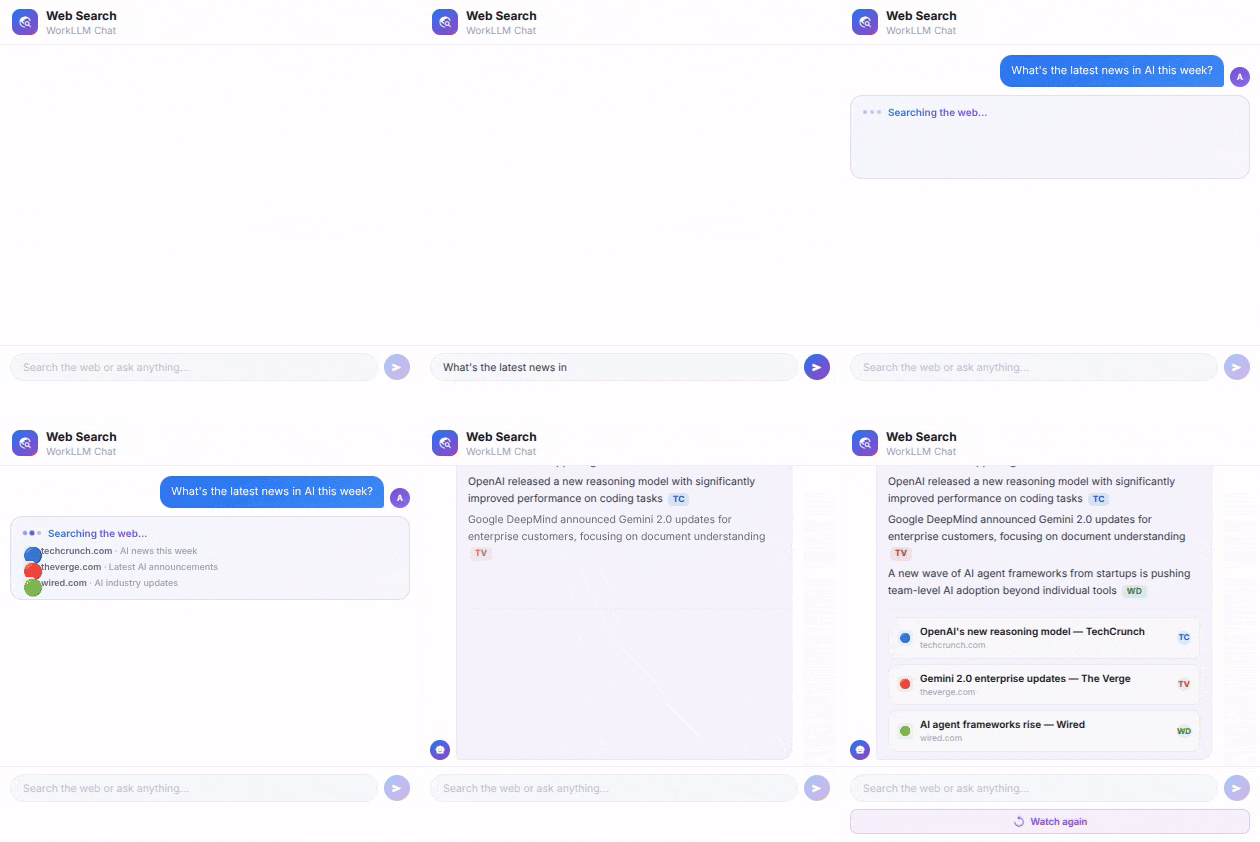
Web Search
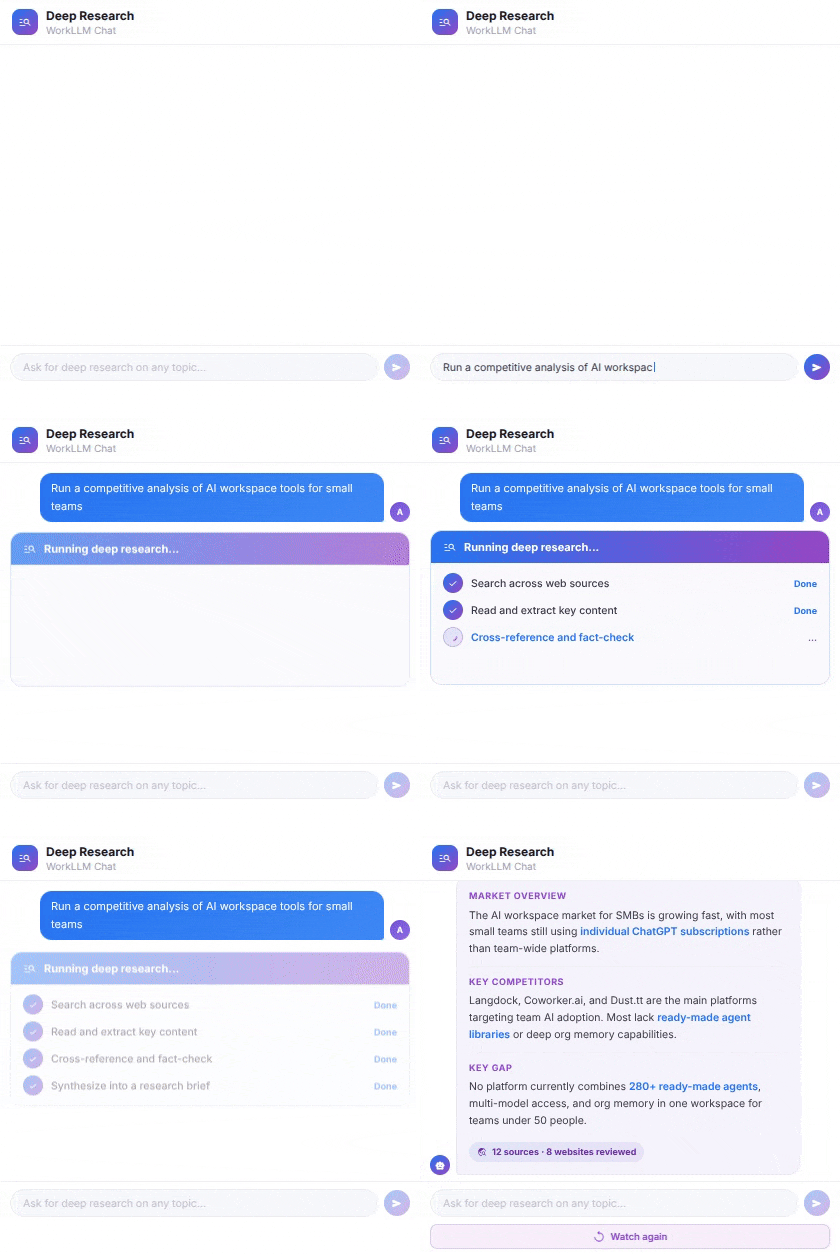
Deep Research
FAQs
What AI models can I use in WorkLLM conversational AI platform?
In WorkLLM conversational AI platform, you get access to 200+ models including GPT, Claude, Gemini, Llama, Mistral, and more, all in one place. You can switch models per conversation or run up to 4 side by side to compare answers.
Can my whole team see and work in the same chat thread?
Yes. You can share any thread with your team, co-prompt together in real time, and leave comments directly on AI messages. Everything stays in one place instead of being copied into Slack or email.
What file types can I upload to chat?
You can upload PDFs, Word documents, spreadsheets, presentations, images, video files, and audio files. AI can read, analyze, summarize, or answer questions about any of them.
Does chat connect to our work apps?
Is chat history saved and searchable?
Does chat use our organization memory?
Yes. WorkLLM Chat is grounded in your organization memory, so AI already knows about your company, products, and past decisions when you start a conversation. You do not have to re-explain context every time.
Can I use WorkLLM Chat in languages other than English?
Yes. You can speak or type in German, Hindi, Gujarati, and many other languages, and WorkLLM responds the same way. Hebrew, Urdu, and other right-to-left languages are fully supported too.
Can I see how much each answer costs?
Yes. Every answer shows its cost in credits, so you always know what you’re spending, model by model.