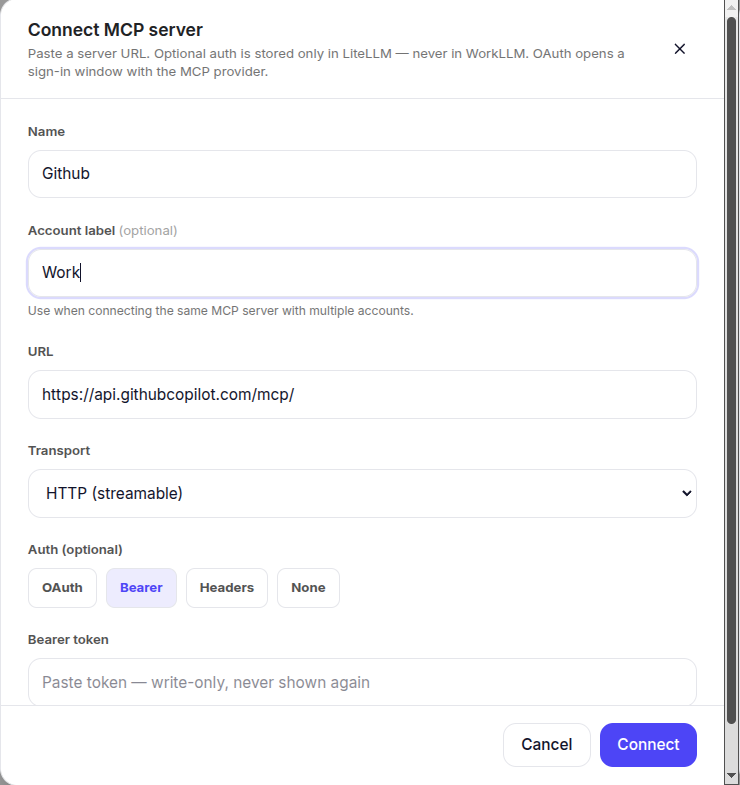
You can still connect it yourself using MCP, an open standard that lets you add apps we haven’t built a native integration for yet. No waiting. no developer needed. Once connected, any AI agent you build can use it too.
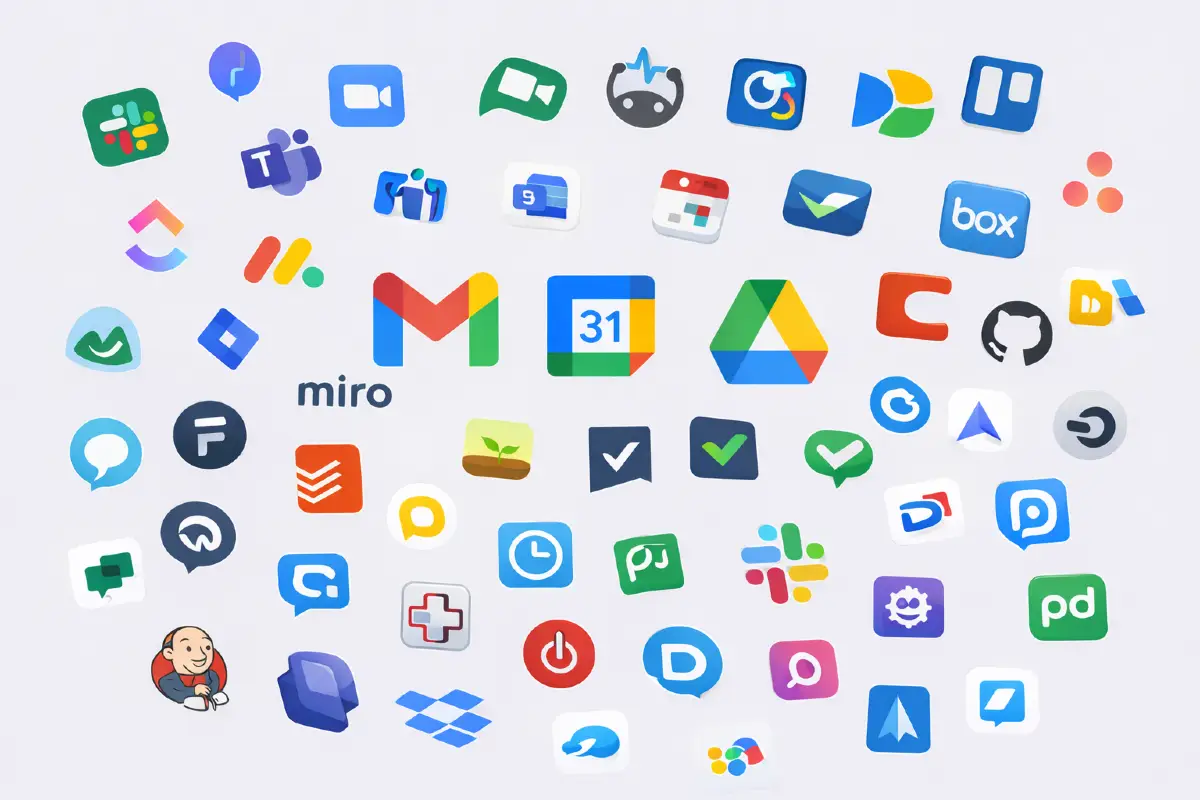
WorkLLM connects to the tools your company already uses, Google Workspace, Slack, Salesforce, HubSpot, Notion, GitHub, Dropbox, Microsoft Teams, and many more. Browse the full, current list of live integrations on this page.
What can I actually do once an app is connected?
It depends on the app. Every integration has its own page with a “What you can do” section listing exactly what WorkLLM can handle for that specific app, click into any integration above to see it.
Is my data safe when I connect an app?
Yes. WorkLLM only accesses what you explicitly approve through each app’s own authorization, and every action is logged. You can revoke access at any time.
What if the app I need isn't listed yet?
If it supports MCP (Model Context Protocol), you can connect it directly, no need to wait for it to be added to our library. Otherwise, let us know what you need and we’ll help you get it connected.
Do I need to reconnect apps for every AI agent I build?
No. Once an app is connected, any AI agent or chat you build can use it, you don’t reconnect it each time.
Can I disconnect an app later?
Yes. You can revoke access to any connected app at any time from your workspace settings, and nothing built on it keeps running without your permission.